











Picking a WordPress theme for a blog is not only a design decision. The theme decides how your posts are marked up, how fast the page paints, and how much extra plugin weight you need to bolt on later.
Google indexes the mobile version of your site, so a theme that is slow or awkward on a phone is a problem you carry on every post you publish.
There are thousands of blog themes, and most listicles about them quote prices that stopped being true a year ago. So we checked all eight of these against the WordPress.org theme API and each vendor’s own pricing page on the same day, and wrote down the renewal price rather than the first-year price.
Short answer: Nexter is our pick for a block-native blog, because it bundles 90+ Gutenberg blocks and 1,000+ templates into a free theme with no page builder required. It is also the smallest theme in this list at 2,000 active installs, so if you want the most widely adopted option instead, Astra has 1,000,000 active installs, though its entry plan renews at $149 a year. For the cheapest paid entry, OceanWP starts at $26 a year. GeneratePress ($59) is the leanest code but has not been updated since December 2025, Divi ($89) is the all-in-one visual builder, and Neve, Hestia ($69 each) and Sydney ($63) cover mobile-first, one-page and multi-layout blogs.
Best WordPress Blog Themes Compared
| Theme | Type | Best for | Price | Active installs | Last updated |
|---|---|---|---|---|---|
| 1. Nexter | Block-native starter theme | Gutenberg blocks bundled in the theme | Free; paid Nexter plans available | 2,000 | 9 Jul 2026 |
| 2. Divi | Theme plus visual builder | All-in-one visual building | $89/yr (paid only) | Not on WordPress.org | Not listed |
| 3. Astra | Multipurpose | Widest adoption, safest long-term bet | Free; Pro $99 first year, renews $149/yr | 1,000,000 | 28 Jul 2026 |
| 4. GeneratePress | Lightweight | Minimal, stable code | Free; Premium $59/yr | 500,000 | 1 Dec 2025 |
| 5. OceanWP | Multipurpose | Customizer depth, cheapest paid entry | Free; bundle $26/yr (regular $44) | 500,000 | 2 Jul 2026 |
| 6. Neve | Mobile-first | Starter sites and page-builder work | Free; Personal $69/yr (regular $139) | 200,000 | 22 Jul 2026 |
| 7. Hestia | One-page | A blog attached to a small business site | Free; Personal $69/yr (regular $139) | 80,000 | 21 May 2026 |
| 8. Sydney | Blog layouts | Layout variety without a builder | Free; Personal $63/yr (regular $79) | 80,000 | 20 Jul 2026 |
How We Picked These WordPress Blog Themes
Every theme below was checked on 28 July 2026, not recalled from an older draft. Two sources, both primary:
- The WordPress.org theme API for active installs, current version and last-updated date. That is the same data the theme directory shows, so you can verify any row yourself.
- Each vendor’s own pricing page for what the paid tier costs, including what it renews at.
Two things that came out of that check changed how these themes actually compare:
The renewal price is not the price on the button. Astra’s entry plan is $99 for the first year and renews at $149, which is the largest gap here. OceanWP, Neve, Hestia and Sydney all advertise a discount against a higher regular price ($26 against $44, $69 against $139, $69 against $139, and $63 against $79). GeneratePress at $59 and Divi at $89 are the two that quote one number. If you compare only first-year prices, you will rank these themes in the wrong order.
One theme in this list has gone quiet. GeneratePress last shipped on 1 December 2025, roughly eight months ago. Astra shipped an update the day we ran this check, and OceanWP, Neve, Sydney and Nexter all shipped within the last five weeks. GeneratePress is stable and well built, so this is a watch-item rather than a disqualification, but check it has caught up with your WordPress version before you commit a blog to it.
One disclosure: Nexter is our own theme, built by POSIMYTH. That is why the table lists real install counts for all eight, including our own 2,000 against Astra’s 1,000,000. You should weigh the recommendation knowing both numbers.
The 8 Best WordPress Blog Themes
1. Nexter
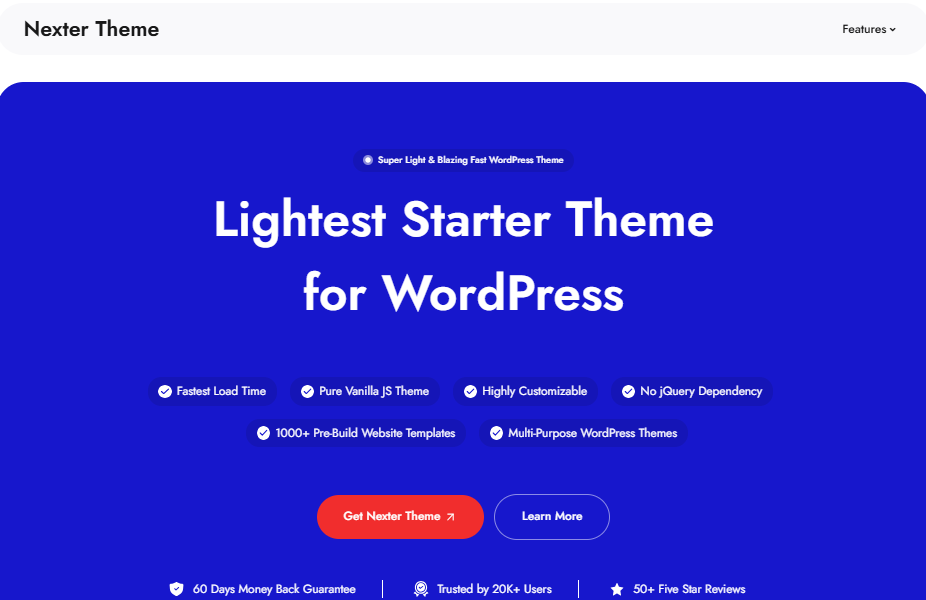
Best for: bloggers who want Gutenberg blocks and templates bundled into the theme, with no page builder in the stack.
Nexter is a starter theme built for the block editor. Instead of shipping a design and leaving you to add a builder plus a blocks plugin plus a template library, it aims to cover that ground itself.
It is the smallest theme in this list at 2,000 active installs, which is worth knowing: a large install base is its own kind of insurance. What it offers in exchange is that the blocks and templates are part of the same product rather than four plugins you maintain separately.
Key features of Nexter
- Ships with 90+ customizable Gutenberg blocks and 1,000+ pre-built templates.
- Lightweight code aimed at Core Web Vitals, with no jQuery dependency.
- Design control lives in built-in settings rather than requiring an extra plugin.
- Free on WordPress.org, currently version 4.2.17, last updated 9 July 2026.
Pricing of Nexter
The Nexter theme is free on WordPress.org. Paid Nexter plans add the premium Nexter Blocks and Nexter Extension products on top; check the pricing page for the current tier that fits your site count.
Also Read: What is Gutenberg? A Beginner’s Guide to the WordPress Block Editor if the block editor is new to you, start here before choosing a block-native theme.
2. Divi
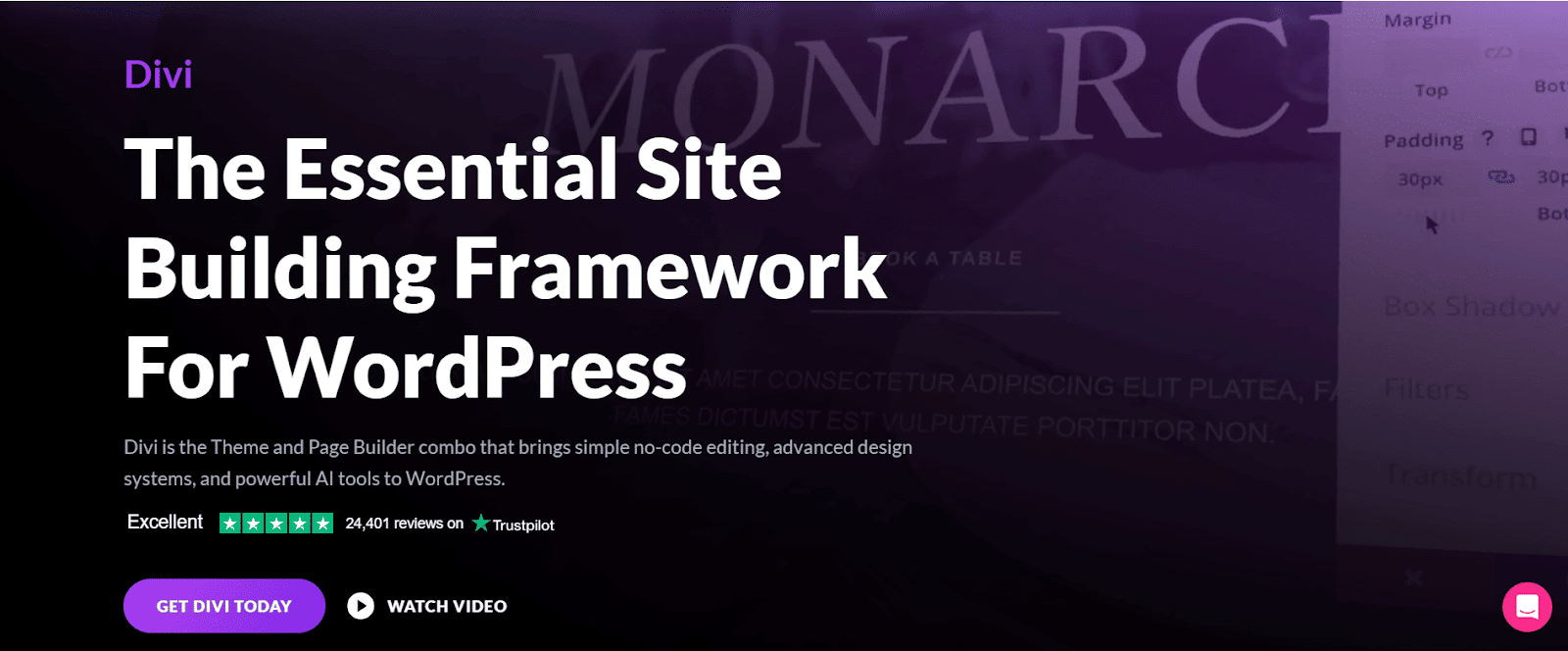
Best for: bloggers who want one all-in-one visual builder and are willing to pay for it.
Divi by Elegant Themes is a theme and a visual builder in one product. It is the only entry here with no free version, so the decision is a purchase rather than a trial.
The trade-off is the usual one for an all-in-one builder: a lot of design power, and a layout that is tied to Divi’s own system if you later move away from it.
Key features of Divi
- Ships with a large library of pre-made layouts so you can start from a design rather than a blank page.
- Visual, front-end editing across the whole page.
- Includes AI-assisted design tools in the current product.
- Not distributed through the WordPress.org theme directory.
Pricing of Divi
Divi is $89 billed yearly for the theme and builder on unlimited websites, per Elegant Themes’ own pricing page. A lifetime option is also offered; check the current one-time price on their pricing page before buying.
3. Astra
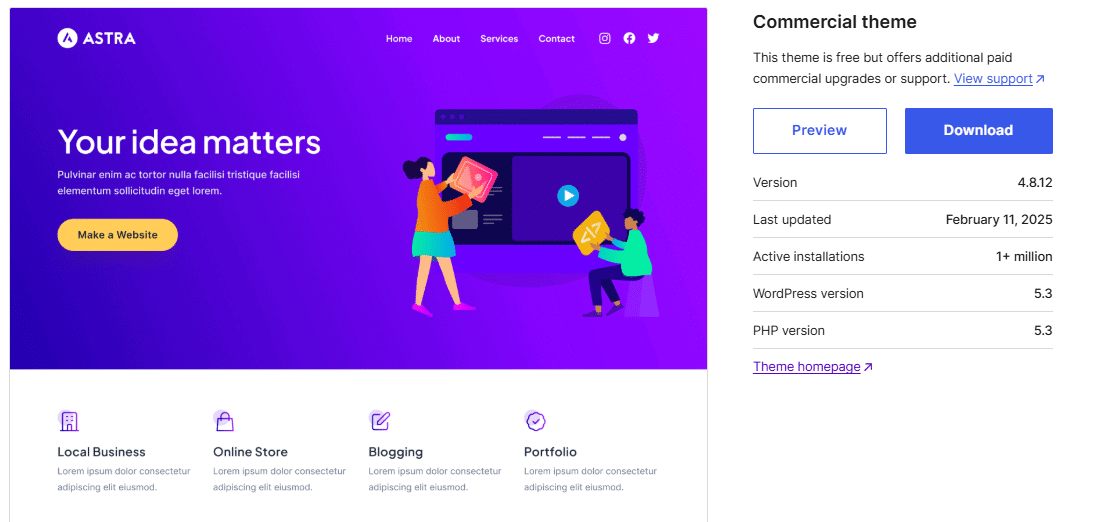
Best for: the safest large-scale pick, as long as you budget for the renewal rather than the first-year price.
Astra has 1,000,000 active installs and 6,498 ratings averaging 98 out of 100, which makes it the most-tested theme here by a wide margin. It shipped version 4.13.7 on 28 July 2026, the day we ran this check.
Worth knowing: the paid tier is where the pricing gap in this list lives. The entry plan is $99 for the first year and renews at $149 a year, so the second year costs half again as much as the first.
Key features of Astra
- Built for speed, with a small default CSS and JS footprint.
- Control over colors, headers and layouts without touching code.
- Works with Elementor, Beaver Builder and the block editor.
- Free on WordPress.org, currently 4.13.7, last updated 28 July 2026.
Pricing of Astra
Astra is free on WordPress.org. The paid entry plan is $99 for the first year and renews at $149 a year, per Astra’s own pricing page. Higher tiers cover more sites and bundle their other products.
Also Read: How to Monetize a WordPress Blog once the theme is settled, this covers turning the blog into revenue.
4. GeneratePress
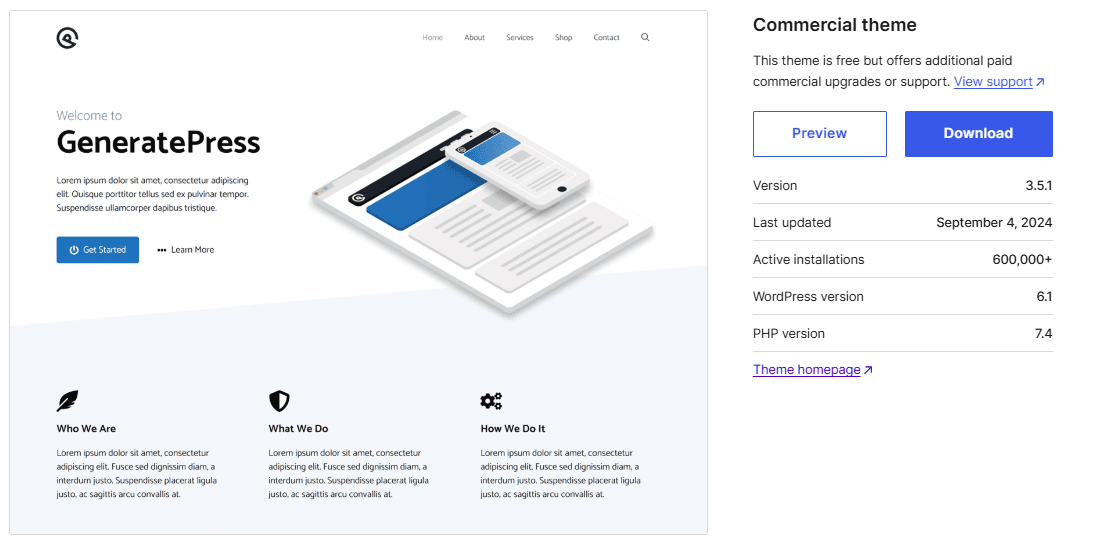
Best for: developers who want minimal, stable code, provided you check the update date first.
GeneratePress has 500,000 active installs and a perfect 100 rating across 1,426 ratings. Its reputation is built on doing very little by default, which is exactly what you want under a content-heavy blog.
Worth knowing: it is the one theme in this list that has gone quiet. Version 3.6.1 shipped on 1 December 2025, about eight months before this check, while the other repository themes here all updated within the last five weeks. That is not a reason to rule it out, but confirm it is tested against your WordPress version.
Key features of GeneratePress
- Deliberately lightweight, with a small default page weight.
- Premium adds a theme builder for headers, footers and layouts.
- Accessibility-conscious markup out of the box.
- Free on WordPress.org, currently 3.6.1, last updated 1 December 2025.
Pricing of GeneratePress
GeneratePress is free on WordPress.org. GP Premium is $59 a year, quoted as a single price with no first-year discount, per GeneratePress’ own pricing page.
5. OceanWP
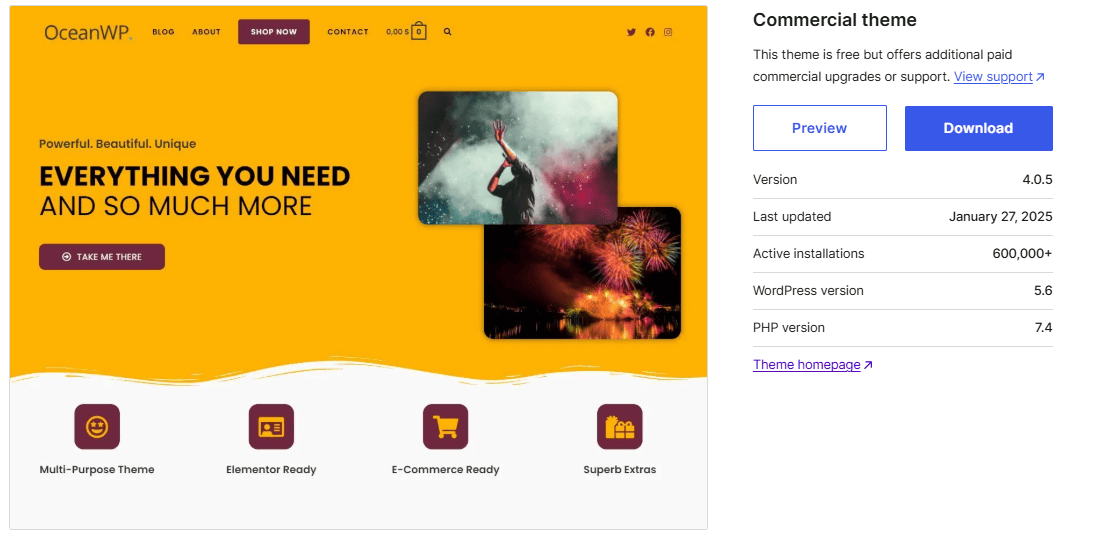
Best for: bloggers who want deep layout control from the Customizer at the lowest paid entry price.
OceanWP has 500,000 active installs and shipped version 4.2.1 on 2 July 2026. Its strength is the sheer number of per-page and per-post layout settings exposed in the Customizer.
Worth knowing: OceanWP now sells its paid features as add-on bundles rather than a single “pro” theme upgrade, so what you are buying is the Core Extensions Bundle rather than a different version of the theme.
Key features of OceanWP
- A large set of layout and typography controls per page and per post.
- Individual features can be switched off to keep the front end light.
- Bundled icon packs and widgets.
- Free on WordPress.org, currently 4.2.1, last updated 2 July 2026.
Pricing of OceanWP
OceanWP is free on WordPress.org. The Core Extensions Bundle starts at $26 a year for one site, discounted from a $44 regular price, per OceanWP’s own pricing page. That is the cheapest paid entry in this comparison.
Also Read: 20+ Tips to Speed Up WordPress Websites a light theme is the start, not the whole job.
Recommended Read: 5 Best AI Blog Content Writing Tools for WordPress the writing side of the stack, once the theme is settled.
6. Neve
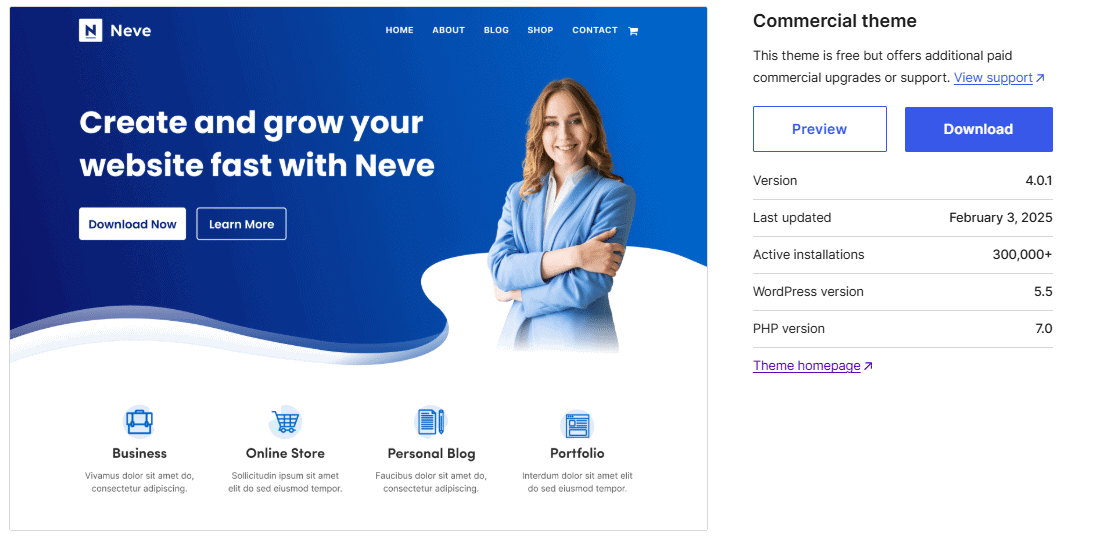
Best for: mobile-first blogs that want ready-made starter sites and page-builder compatibility.
Neve, by Themeisle, has 200,000 active installs and shipped version 4.2.9 on 22 July 2026. It is designed mobile-first, so the phone layout is the starting point rather than an adaptation.
Worth knowing: its 94 rating across 1,278 ratings is the lowest in this list, though still high. The paid Personal plan is $69 a year against a $139 regular price.
Key features of Neve
- Mobile-first layout as the default rather than an afterthought.
- A collection of importable starter sites to shorten setup.
- Works with Elementor, Beaver Builder and the block editor.
- Free on WordPress.org, currently 4.2.9, last updated 22 July 2026.
Pricing of Neve
Neve is free on WordPress.org. The Personal plan is $69 a year for one site, discounted from a $139 regular price, per Themeisle’s own pricing page. Business is $149 and Agency is $259.
7. Hestia
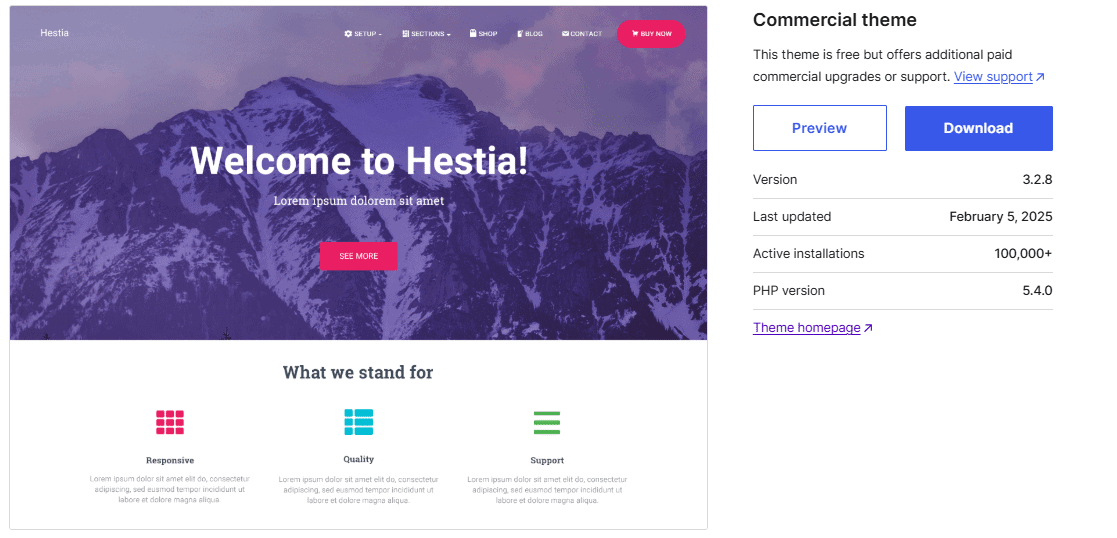
Best for: a blog that sits alongside a small business one-pager rather than standing alone.
Hestia, also by Themeisle, has 80,000 active installs and shipped version 3.3.4 on 21 May 2026. Its default shape is a one-page layout, which is a specific choice rather than a general-purpose one.
Worth knowing: if you want a conventional multi-page blog archive, you will be working against Hestia’s default rather than with it. It is priced identically to Neve at $69 a year against $139.
Key features of Hestia
- One-page layout as the default design.
- Blog page design adjustable from the Customizer.
- Clean, modern styling that needs little work to look finished.
- Free on WordPress.org, currently 3.3.4, last updated 21 May 2026.
Pricing of Hestia
Hestia is free on WordPress.org. The Personal plan is $69 a year for one site, discounted from a $139 regular price, per Themeisle’s own pricing page. Business is $129 and Agency is $249.
8. Sydney
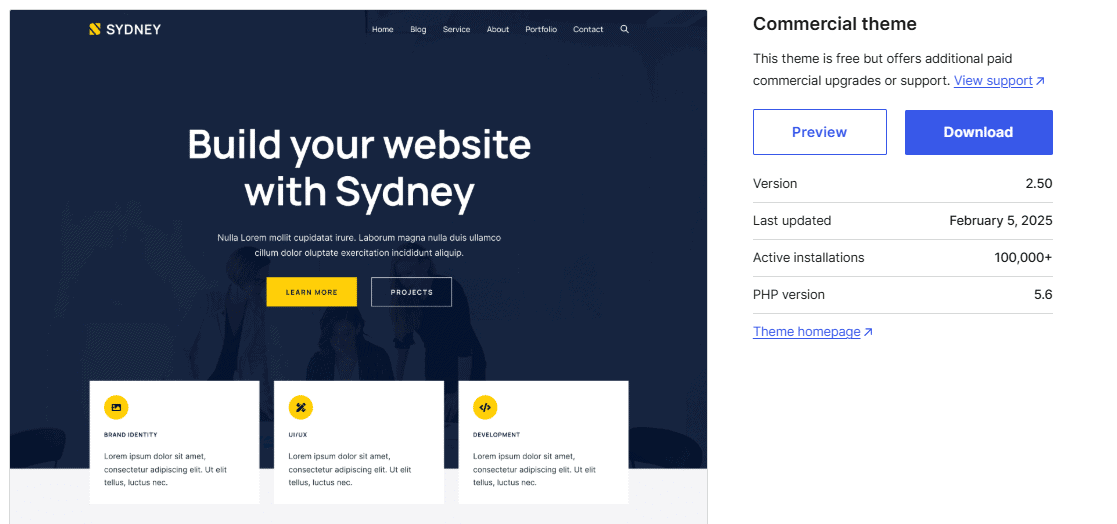
Best for: layout variety on a blog without adding a page builder.
Sydney, by aThemes, has 80,000 active installs and shipped version 2.70 on 20 July 2026. Its useful trait for a blog specifically is the number of blog layouts it offers out of the box.
Worth knowing: the $63 price you will see advertised is a 20 percent discount against a $79 regular price, and premium support is 12 months with a paid extension after that.
Key features of Sydney
- Multiple blog layouts selectable without custom code.
- Colors, fonts and layouts adjustable from the Customizer.
- Pre-built starter sites for a faster launch.
- Free on WordPress.org, currently 2.70, last updated 20 July 2026.
Pricing of Sydney
Sydney is free on WordPress.org. Sydney Pro Personal is $63 a year for one site, discounted 20 percent from a $79 regular price, per aThemes’ own pricing page.
Also Read: Ultimate Blog Post Checklist [17-Step Easy Guide] the publishing routine that runs on top of whichever theme you pick.
Suggested Read: 11+ High Converting Landing Page Examples [with Benefits] for the pages your blog posts send readers to.
Must-Have Features of the Best WordPress Blog Themes
When selecting a WordPress blog theme, you should focus on certain key features. SEO optimization and customization options are vital for ensuring your blog stands out and resonates with your audience.
Here are the essential aspects to keep in mind.
- Clean Code: This helps search engines read your site easily.
- Mobile Responsiveness: A responsive design adjusts well on mobile devices, which is essential since many users browse on their phones.
- Fast Loading Speed: A theme optimized for speed can improve user experience and help with SEO rankings.
- Customization: You should be able to customize a theme to match it according to your brand style.
Look for themes that provide flexibility in design, so you can easily tailor your blog to meet your needs and create a compelling visual experience for your audience.
For more details, you can read this blog – How to Choose a WordPress Theme [10 Key Factors]
Wrapping Up
Choosing the right WordPress theme for your blog plays a key role in how your audience views your website and interacts with it.
All the listed above are good, and you can choose the one that suits your requirements. However, if you want to go with our recommended theme – it’s Nexter.
Nexter is super fast, SEO-optimized and allows you to customize your site fully.
Not only this if you go with Nexter, it provides a wide range of Gutenberg Blocks that can add more functionality to your blog site by providing Blog Post Builder, Image & Video Gallery, Ajax Search, and a lot more.
You can check out the complete list of 90+ blocks provided by Nexter here.
Suggested Reading
- 5 Best WordPress Block Themes (Gutenberg)
- WordPress Block Themes vs Classic Themes: 6 Key Differences
- How to Choose a WordPress Theme [10 Key Factors]
- 7 Best Blogging Platforms [With Monetization Options]
- 12 Best Gutenberg Plugins for WordPress
FAQs on Best WordPress Blog Theme
Are premium WordPress themes worth the investment?
Yes, premium WordPress themes often come with additional features, support, and updates that can enhance your blog’s functionality and aesthetics. They usually offer more customization options and better performance compared to free themes.
Can I change my WordPress theme later?
Yes, you can change your WordPress theme at any time. However, be aware that switching themes may affect your site’s layout and functionality, so it’s recommended to back up your site before making any changes.
Where can I find the best WordPress themes?
You can find quality WordPress themes on platforms like ThemeForest, the official WordPress theme repository, and third-party sites that specialize in WordPress themes. Always check reviews and ratings before making a purchase.
Will changing my WordPress theme affect my SEO?
Changing your WordPress theme can impact your SEO, especially if the new theme has different loading speeds, mobile responsiveness, or structure. It’s essential to choose a theme that is optimized for SEO to maintain or improve your rankings.
What should I do if my theme is not displaying correctly?
If your theme is not displaying correctly, check for plugin conflicts, ensure that your WordPress version is up to date, and clear your browser cache. If issues persist, consult the theme’s support documentation or contact the theme developer for assistance.
Are there themes that support multiple languages?
Yes, many WordPress themes are compatible with multilingual plugins like WPML and Polylang, allowing you to create a multilingual blog. Look for themes that specifically mention compatibility with these plugins.
