












Looking to boost sales and attract more customers on your site?
The Best Coupon Code Plugins for WordPress help you create, manage, and track discounts with ease.
In this guide, you’ll discover the top tools to make your offers irresistible and keep shoppers coming back.
What is a Coupon Code in WordPress?
A coupon code in WordPress lets you offer discounts or special deals directly on your site.
You can use it to attract new customers, boost sales, and reward loyal buyers.
Best Coupon Code Plugins for WordPress Compared
| Sl No | Coupon Code Plugin | Rating |
|---|---|---|
| 1 | Coupon Code by Nexter | ★★★★★ |
| 2 | Coupon Plugin | ★★★★ |
| 3 | Coupon Creator | ★★★ |
| 4 | WP Coupons and Deals | ★★★ |
| 5 | Advanced Coupons | ★★★ |
1. Coupon Code by Nexter
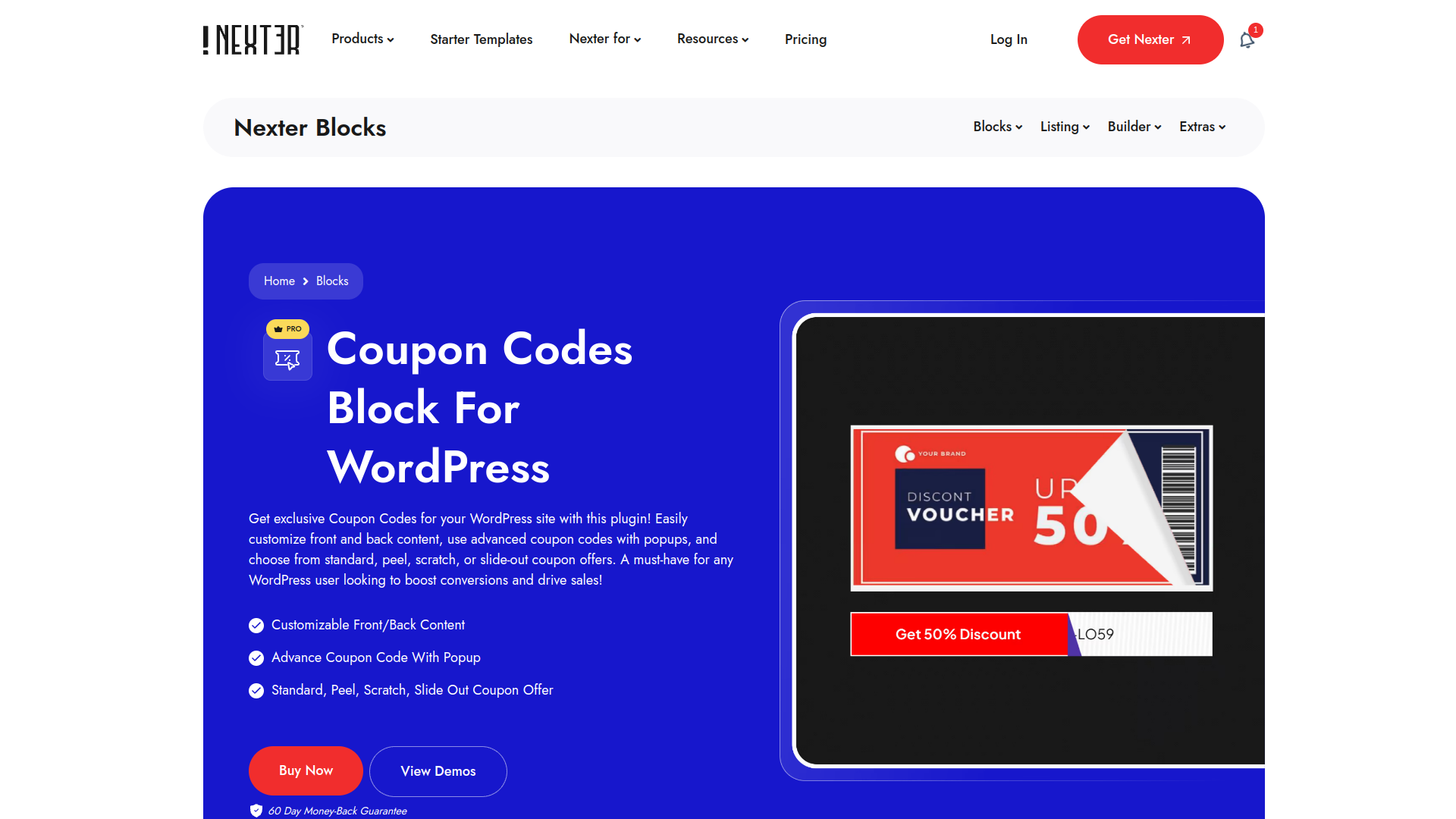
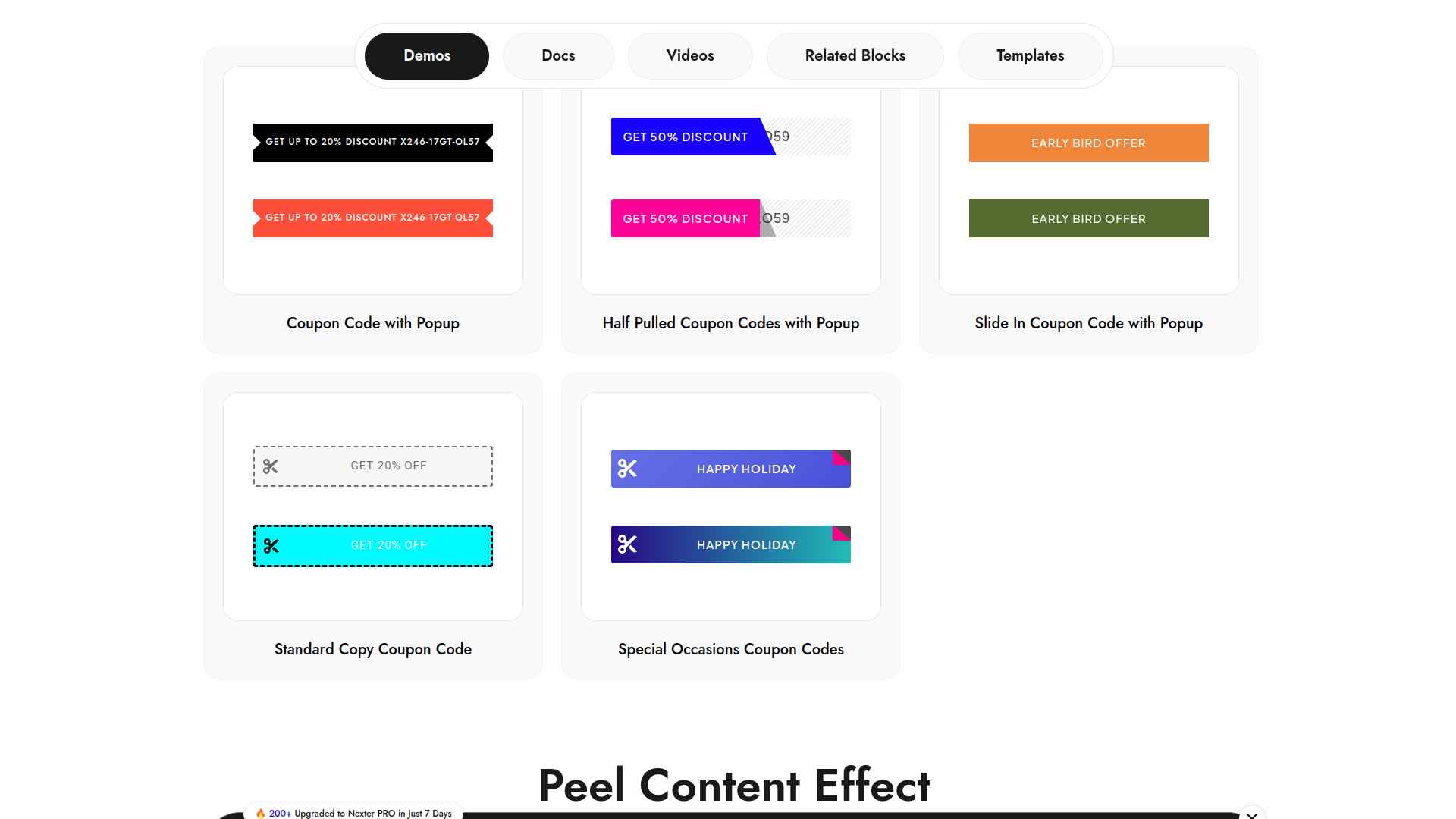
You can easily add and customize exclusive coupon codes on your WordPress site with the Nexter Blocks Coupon Code plugin.
It offers advanced features like popups and multiple coupon styles to boost your sales and conversions.
Key Features of Coupon Code by Nexter
- Easily create attractive and customizable coupon codes to boost sales and attract more customers.
- Keep your site fast and smooth by only enabling the features you need, ensuring better performance.
- Get helpful reminders and hassle-free license management, including easy license transfers and renewal notifications.
- Enjoy reliable support through multiple channels and a 30-day money-back guarantee for peace of mind.
2. Coupon Plugin
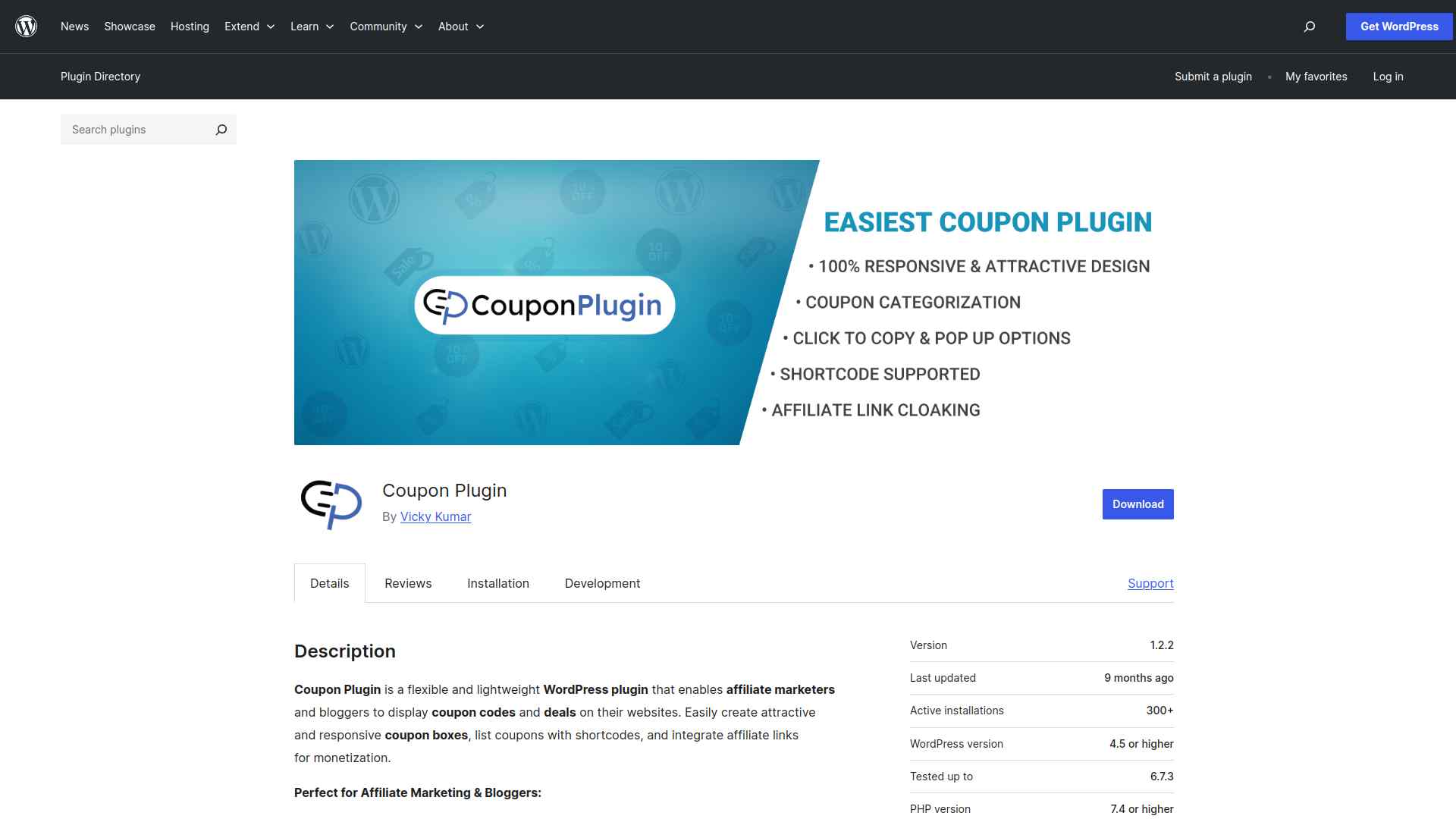
The Coupon Plugin lets you easily create and display responsive coupon boxes on your WordPress site to boost affiliate sales.
You can manage coupons with features like expiry dates, affiliate link tracking, and social sharing, all without affecting your SEO.
Key Features of Coupon Plugin
- Easily display attractive and responsive coupon codes on your WordPress site to boost user engagement and sales.
- Organize and showcase deals by store or category, making it simple for visitors to find the best offers.
- Improve your affiliate marketing earnings with built-in link tracking and coupon click-to-copy features..
- Enhance your site’s SEO and user experience without complicated setup or negative impact on your website.
3. Coupon Creator
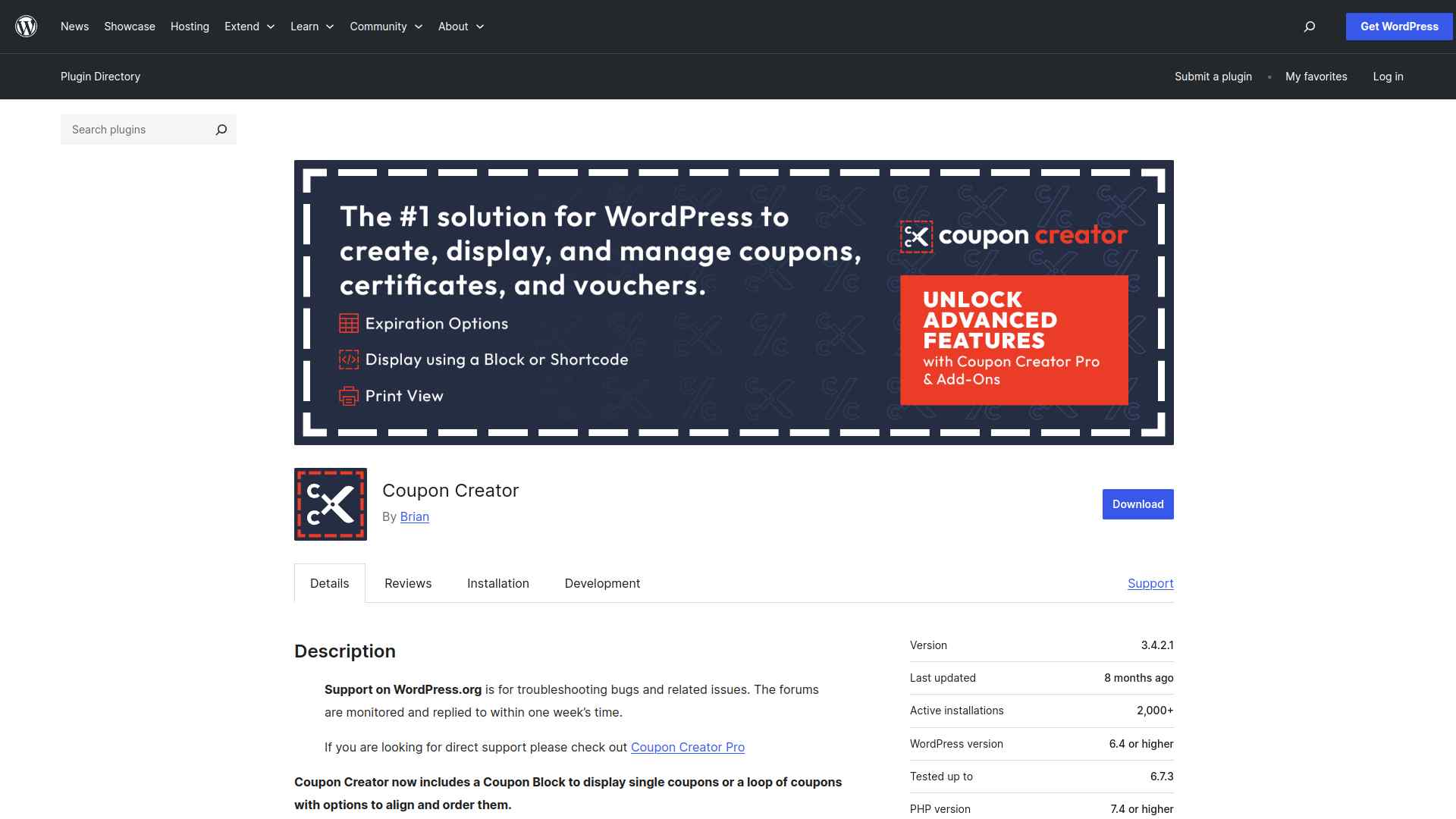
The Coupon Creator plugin lets you easily create and display stylish coupons or coupon loops on your WordPress site using blocks or shortcodes.
You can customize expiration, appearance, and print options to engage your visitors effectively.
Key Features of Coupon Creator
- Easily create and display attractive coupons on your WordPress site to boost sales and customer engagement.
- Show single coupons or multiple coupons in a loop with flexible layout options to fit your site’s style.
- Set expiration dates and usage limits automatically to manage coupon validity without extra effort.
- Print-friendly coupon views with popup print options make it simple for customers to use your coupons offline.
4. WP Coupons and Deals
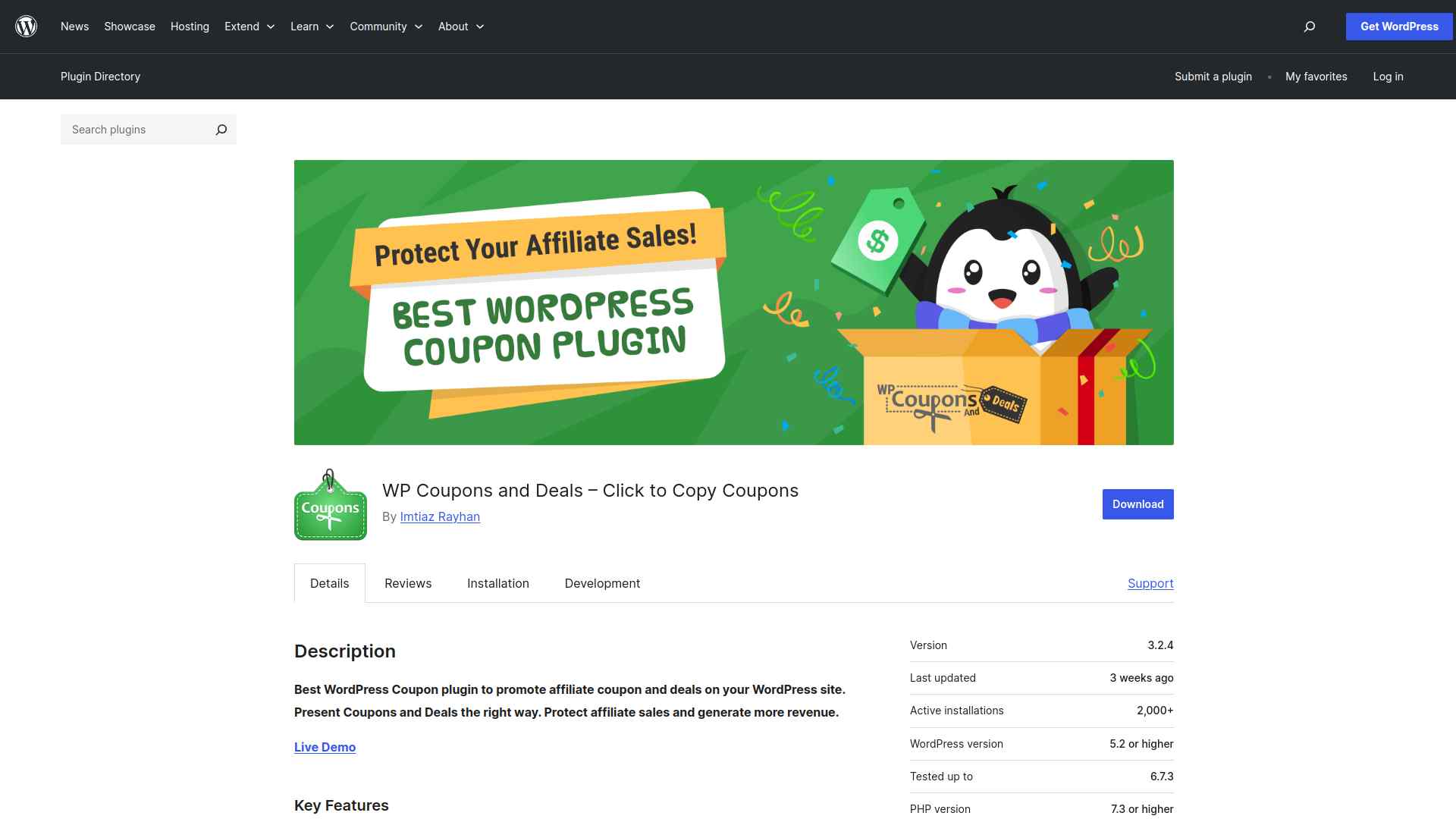
You can easily add coupons and deals to your WordPress posts, pages, or sidebars using the WP Coupons and Deals plugin.
It lets you showcase discounts with simple, beautiful shortcodes and widgets to boost your site’s engagement.
Key Features of WP Coupons and Deals
- Easily add and display attractive coupons and deals on your WordPress site to boost affiliate sales and engage visitors.
- Let users quickly copy coupon codes with one click, increasing the chances they use your coupons and generate revenue.
- Organize coupons by categories and vendors, making it simple for visitors to find the best deals they want.
- Show expiration dates and countdowns to create urgency, encouraging users to act fast and increase conversions.
5. Advanced Coupons

Advanced Coupons for WooCommerce enhances your store’s coupon capabilities with features like BOGO deals, cart conditions, and store credit, all for free.
You can easily create smarter, more targeted discounts to boost your marketing and sales.
Key Features of Advanced Coupons
- Easily create powerful Buy One Get One (BOGO) deals to boost sales and attract customers with flexible discount options.
- Prevent coupon misuse by setting smart rules that control when and how coupons can be applied, saving you money.
- Give customers store credit that keeps them coming back, allowing refunds and rewards without losing cash.
- Quickly send coupons via email or push notifications to engage customers and increase repeat purchases.
Stay updated with Helpful WordPress Tips, Insider Insights, and Exclusive Updates – Subscribe now to keep up with Everything Happening on WordPress!
Which WordPress Coupon Code Plugin Should You Use?
You should pick a coupon code plugin that fits your store’s needs, whether it’s advanced rules, easy setup, or strong WooCommerce integration.
Focus on features that boost sales while keeping the checkout smooth for your customers.
For the perfect balance of power and simplicity, Coupon Code by Nexter is your best choice.
FAQs on Best Coupon Code Plugins for WordPress
Do coupon code plugins work with WooCommerce?
Yes, most coupon code plugins integrate seamlessly with WooCommerce. You can create discounts, set usage limits, and track redemptions directly in your store without extra setup.
Can I schedule coupons to expire automatically?
Absolutely! Many plugins let you set start and end dates for coupons. This helps you run time-sensitive promotions without manually disabling codes.
Will coupon plugins slow down my WordPress site?
No, if you choose a lightweight, well-coded plugin. Always keep your plugins updated and avoid installing too many at once to maintain site speed.
Can I track how many times a coupon is used?
Yes, most coupon plugins include tracking features. You can monitor usage, limit redemptions, and analyze which discounts perform best.
Do I need coding skills to use a coupon plugin?
Not at all. Coupon plugins are designed for beginners. You can create and manage coupons with simple settings in your WordPress dashboard.
