












Key Takeaways
- AI-readable means structuring your content so machines, not just people, can parse it: clean headings, schema, and a plain-text copy an agent can fetch.
- Most WordPress pages are built for browsers. An AI agent has to dig your few hundred useful words out of navigation, scripts, and styling.
- The work is four moves: structure the content, add schema, publish a machine-readable copy (llms.txt and .md), then measure whether agents actually fetch it.
- No format guarantees an AI citation today. Treat llms.txt and Google’s Open Knowledge Format as a bet on where the machine-readable web is heading.
- RankReady is a free way to measure the result: it logs which AI crawlers fetched each post and scores every post 0 to 100 for AI readiness.
A while back I was reading the raw access log for one of our sites at POSIMYTH, looking for something else entirely, when I noticed how often GPTBot, ClaudeBot, and PerplexityBot were showing up. They were fetching pages constantly. And then it hit me that everything those bots were pulling had been written and built for a person sitting in a browser. The markup, the menus, the sidebars, the scripts. None of it was arranged for a machine that just wants the facts.
That gap is what AI content optimization is really about. It is the work of turning a normal WordPress site into something an AI agent can read, understand, and quote without guessing. Think of it less as another SEO checklist and more as building a knowledge base that both humans and machines can use. This guide walks through what AI-readable content actually means and the four steps to get your WordPress content there.
What “AI-readable” actually means
A web page and a knowledge base are not the same thing. A page is a visual document. It assumes a reader with eyes, a screen, and the patience to scroll past a header, a cookie notice, and a related-posts grid to reach the part they wanted. A knowledge base is the opposite. It is the underlying facts, stripped of presentation, organized so anything querying it can find an answer fast.
AI agents want the second thing. When ChatGPT or Perplexity considers your content for an answer, it is not admiring your layout. It is trying to extract clean statements it can trust and attribute. AI-readable content simply means you have done that extraction work in advance: the structure is clear, the meaning is labeled, and a plain copy of the words exists somewhere an agent can grab.
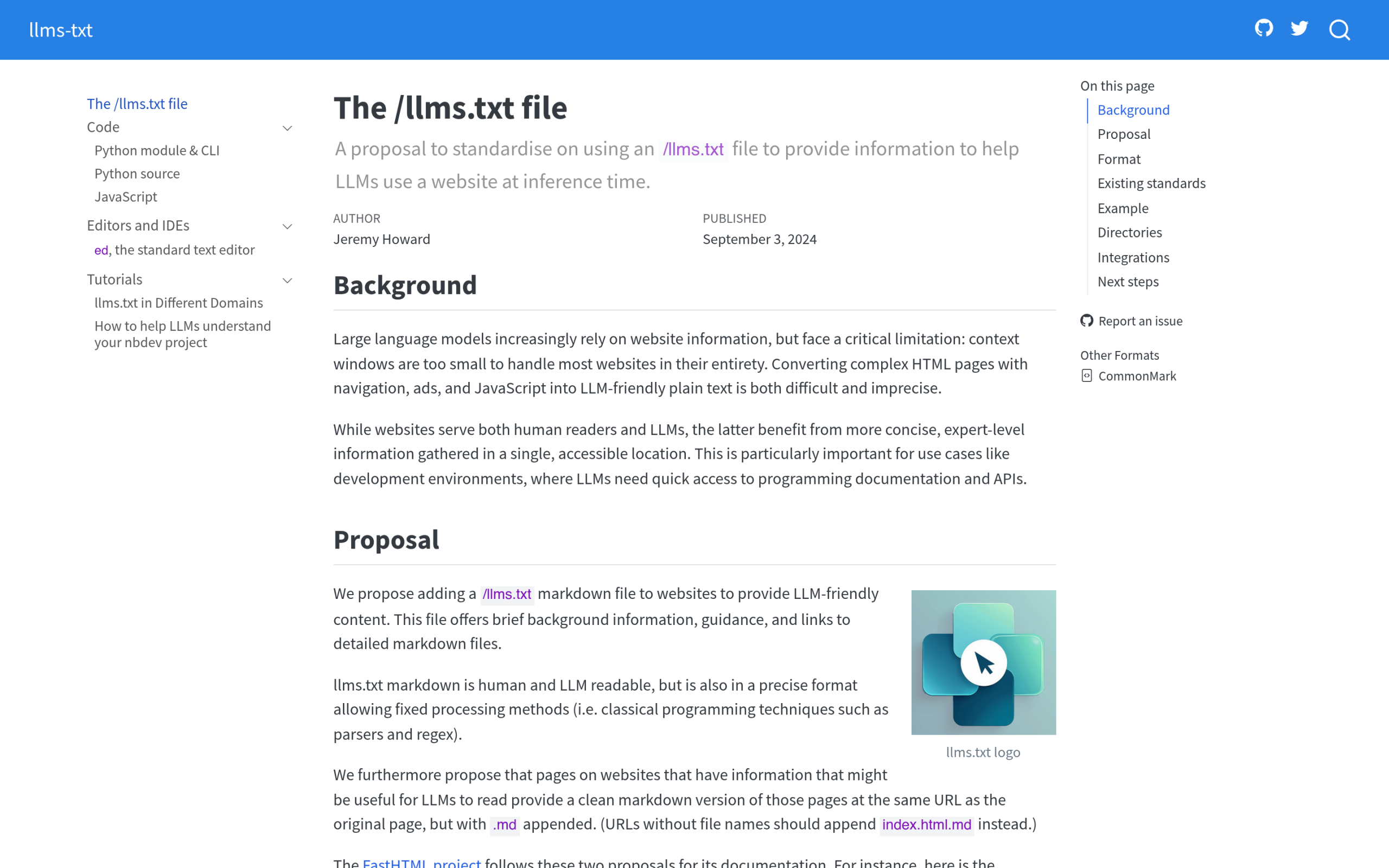
This is the same idea behind every machine-facing format that has landed lately. Google’s Open Knowledge Format (OKF) describes knowledge as a directory of markdown files. The llms.txt convention points agents at your important pages. They are all circling the same ground: give machines a clean version of what you know, instead of making them reverse-engineer it from a styled web page.
Why your current WordPress content is hard for AI to use
Open the source of almost any WordPress post and look at the ratio. A long article might carry a thousand words of real content wrapped in many times that in theme markup, inline scripts, tracking tags, widget HTML, and styling. A human browser hides all of that. An agent fetching the page has to wade through it and decide what counts.
There are three common problems. First, structure is often flat or inconsistent. Headings get used for visual size rather than meaning, so the document has no clear outline a machine can follow. Second, the meaning is not labeled. A price, an author, a step-by-step process, and a frequently asked question all look like the same plain paragraph unless you tell the machine otherwise. Third, there is usually no clean copy. The only version of your knowledge that exists is the full HTML page, noise and all.
None of this means your content is bad. It means it was built for one audience, the human reader, and the second audience showed up later. The next four steps close that gap without you rewriting a single article from scratch.
Step 1: Structure your content so machines can follow it
Structure is the cheapest, highest-impact move, and it helps human readers too. The goal is a document whose outline makes sense even if you strip every bit of styling away.
- Use one H1 (your title), then H2s for main sections and H3s for points inside them. Keep the hierarchy honest, so a machine reading only the headings gets a true table of contents.
- Give each section one job. A reader, or an agent, should be able to lift a single section out and have it still make sense as a self-contained answer.
- Front-load the answer. State the conclusion in the first sentence or two of a section, then explain. This is how AI engines like to quote.
- Use real semantic blocks. Lists, tables, and headings carry meaning that a wall of paragraphs does not. Block themes and a block library such as Nexter Blocks make this the default rather than something you fight the editor to do.
Also Read: Answer Engine Optimization (AEO): The Complete WordPress Guide for the broader strategy this build sits inside.
Step 2: Add the schema that AI parsers look for
Schema markup is how you label meaning. It is a small block of structured data, usually JSON-LD, that tells a machine “this is an article, this is the author, these are the steps, this is the question and its answer.” Instead of inferring all of that from your styling, a parser reads it directly.
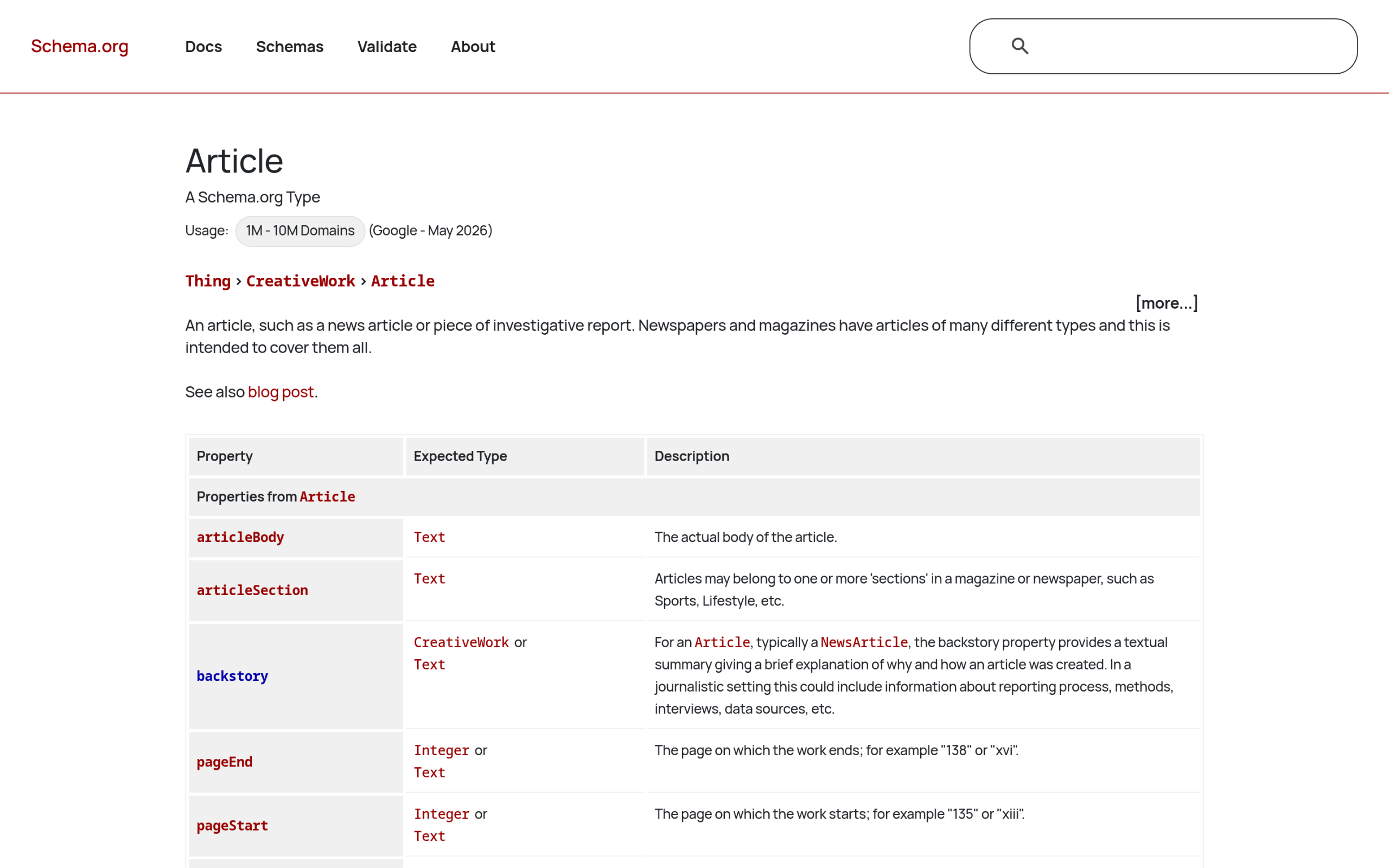
For a content site, a few types do most of the work. Article (or its Speakable extension) marks up the post itself and its author. FAQPage marks a question-and-answer block. HowTo marks a numbered process. Each one removes a guess the machine would otherwise have to make. Schema is also the bridge to entity recognition: it connects the names and concepts on your page to known entities, which is how search engines and AI start to trust that you mean the specific thing you say you mean.
Also Read: What Is Entity SEO? and E-E-A-T for AI Search, the two trust signals schema feeds into.
Step 3: Publish a machine-readable copy
Even a well-structured page is still an HTML page. Step 3 is giving agents a clean copy with the presentation removed. Two conventions matter here.
The first is llms.txt: a single file at the root of your site that works like a sitemap written for language models. It points agents at your most important pages in plain markdown. The second is per-post markdown, often exposed by adding .md to a post URL, which serves a clean text version of that one article. Together they give an agent your knowledge without the navigation and scripts in the way.
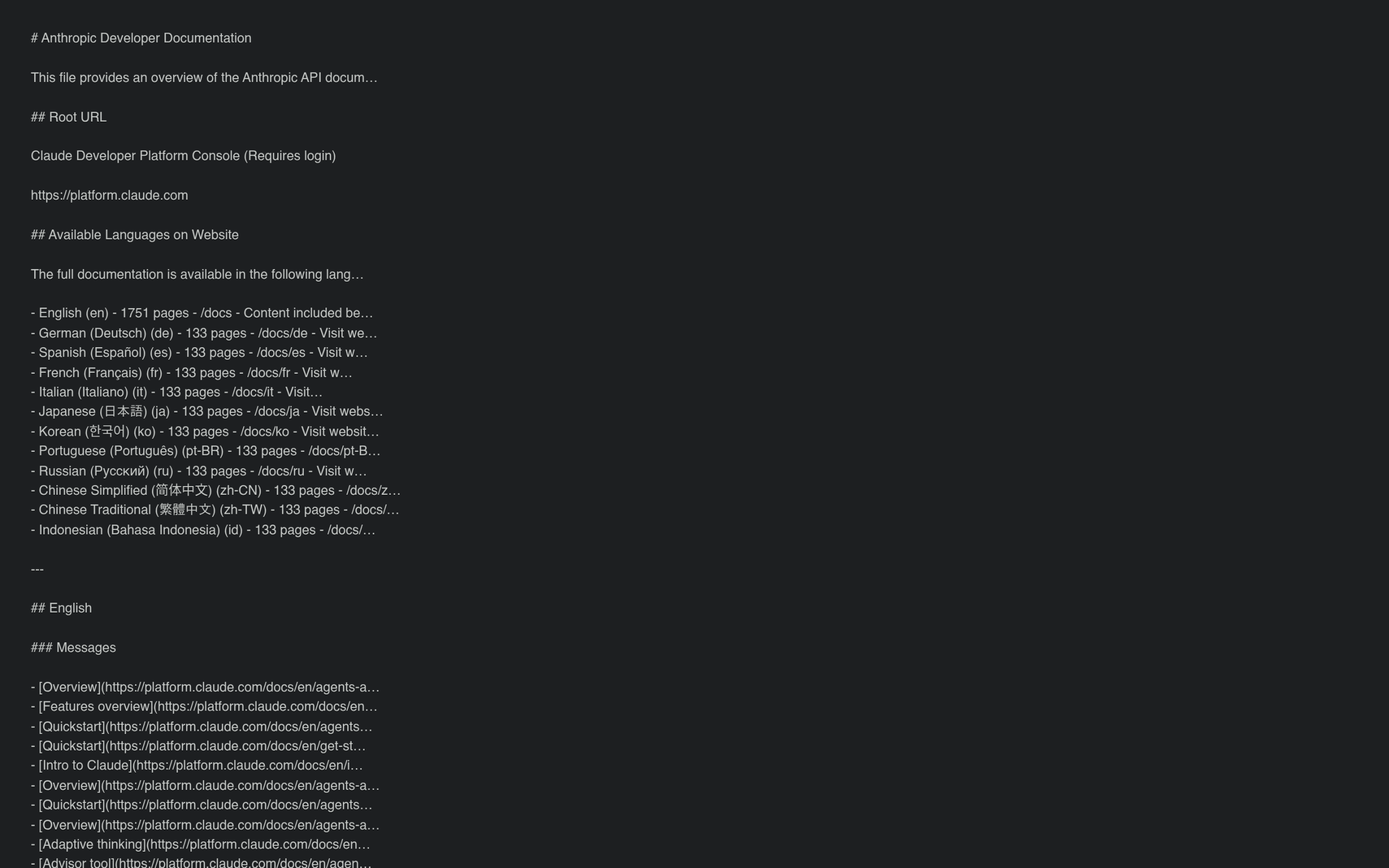
Here is the honest part, and it matters. No major AI model has committed to honoring llms.txt yet, and Google built OKF for internal data teams, not for ranking blogs. So none of this is a guaranteed citation tactic. The reason to do it anyway is the same reason people shipped schema years before it paid off: machine-readable formats keep landing on the same idea, and serving your content in that shape early is a low-cost bet on where the web is going. If you want the full argument before committing, the comparison below lays it out.
Also Read: OKF vs llms.txt and the honest take in Does Google’s OKF Matter for WordPress SEO?
On WordPress this is easier than on closed platforms. Because you control your own files and URLs, you can actually serve an llms.txt and markdown copies. A plugin can generate and keep them current, or you can build the llms.txt for a Gutenberg site by hand. The point is that the option is open to you, where a hosted site builder might block it entirely.
Step 4: Measure whether AI agents actually fetch it
You can structure, mark up, and publish a clean copy of every post and still be guessing about whether it worked. Measurement is the step most guides skip, and it is the one that turns this from faith into feedback. The question to answer is simple: are AI crawlers actually fetching your pages, and which ones are they pulling most?
This is where RankReady fits. It is a free, GPL-licensed WordPress plugin that handles both the production and the measurement side of an AI-readable knowledge base. On the production side it generates your llms.txt and llms-full.txt, adds a clean .md copy to any post URL, and writes Article, Speakable, FAQPage, HowTo, and ItemList schema. On the measurement side it keeps a live log of AI crawler activity across 31 known crawlers, including GPTBot, ClaudeBot, and PerplexityBot, and surfaces a citation-candidates view of which posts those bots fetched in the last 30 days.
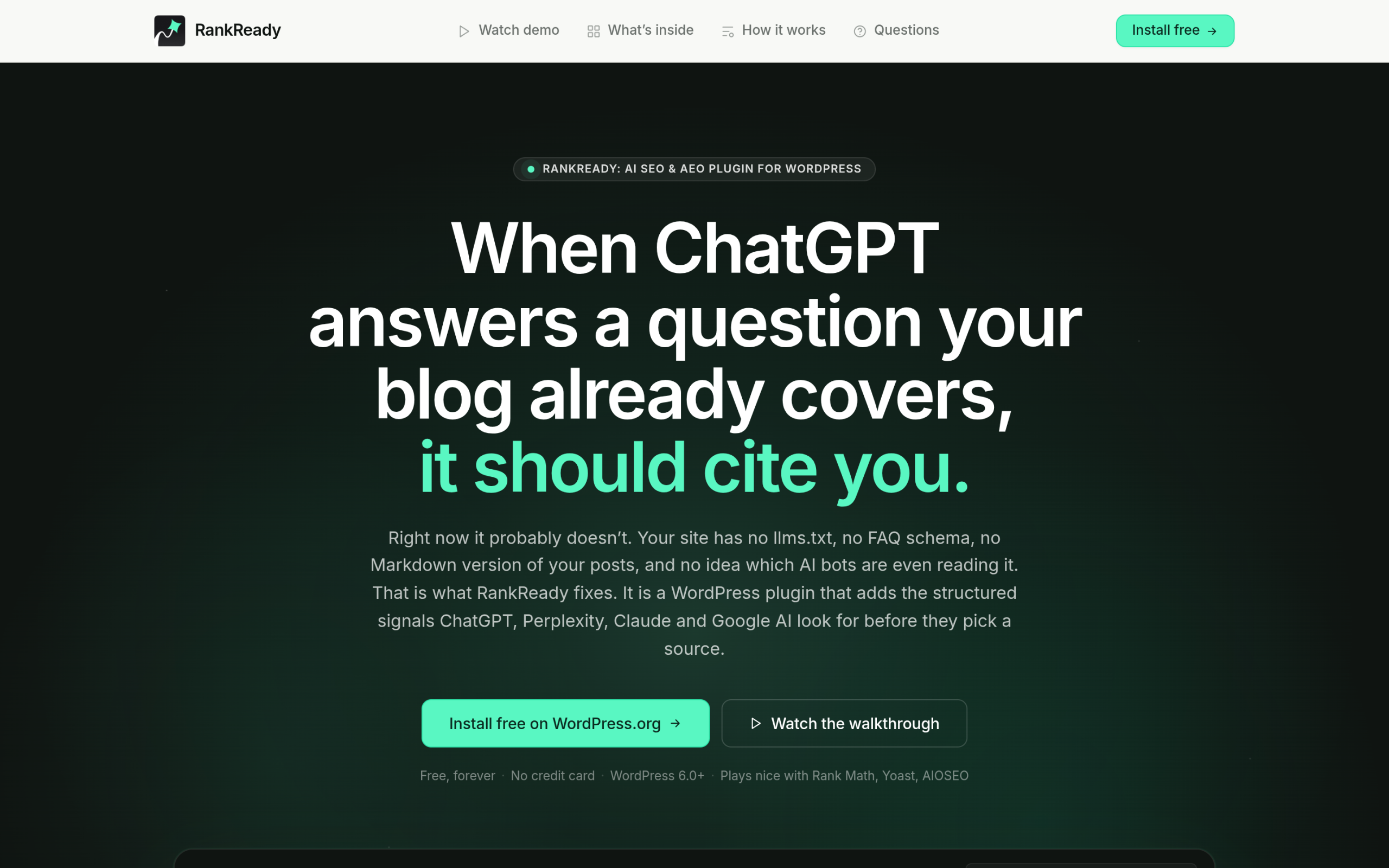
It also scores each post 0 to 100 for AI readiness, based on schema, freshness, content depth, and author signals, and rolls those into one agentic-readiness percentage broken into 22 specific signals. That score is the practical to-do list: it tells you which posts in your knowledge base are ready to be cited and which still need one of the first three steps. To be clear about what the tool does and does not do, it does not write your content or promise you a citation. It tells you whether the content you built is actually being fetched and is in a state to be quoted.
Your AI-readable knowledge base checklist
Pulling the four steps together, here is the short version you can work through one post at a time.
- Fix the structure: one H1, honest H2 and H3 hierarchy, one job per section, answer first.
- Label the meaning: Article and author schema everywhere, FAQPage and HowTo where they apply.
- Publish a clean copy: an llms.txt index plus a markdown version of each post.
- Measure it: confirm AI crawlers are fetching your pages and track an AI-readiness score over time.
You do not have to do all of this at once, and you do not have to believe any single format will win. Start with structure, because it helps your human readers today, and add the machine-readable layers as a hedge on a web that is clearly moving toward agents reading on people’s behalf. The sites that are easy to read when that day fully arrives will not have to scramble.
Suggested Reading
- Answer Engine Optimization (AEO): The Complete WordPress Guide for 2026
- llms.txt for Gutenberg WordPress: Why Block Themes Win the AI Citation Race
- What Is Google’s Open Knowledge Format (OKF)? A Plain-English Guide
- What Is Entity SEO? How WordPress Sites Get Recognized by Google and AI
- E-E-A-T for AI Search: How WordPress Sites Earn Trust from Google AI, ChatGPT and Perplexity
